


Bring a post into the editor.
Select a published post to pull its image, title and excerpt into an email block. The listings block can pull a group of properties in one step.
Make a newsletter from content you’ve already published. Preview the issue, pick your readers and set the send time.

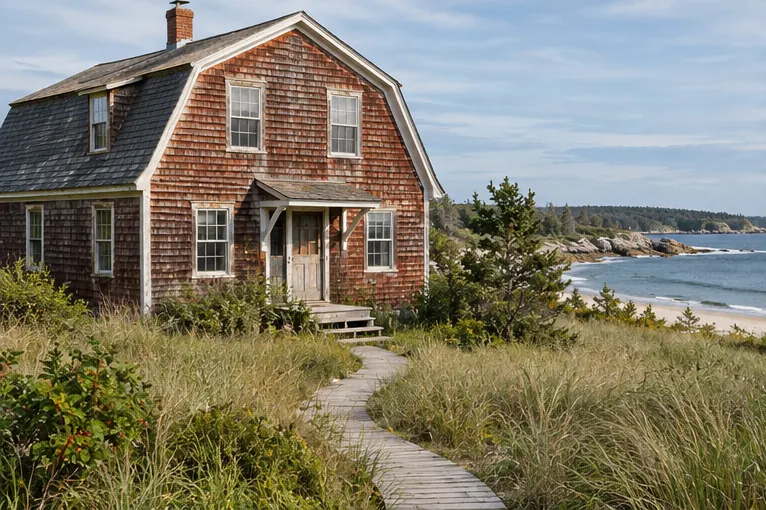
Cedar PointA timber retreat above the bay.
Inside this issue
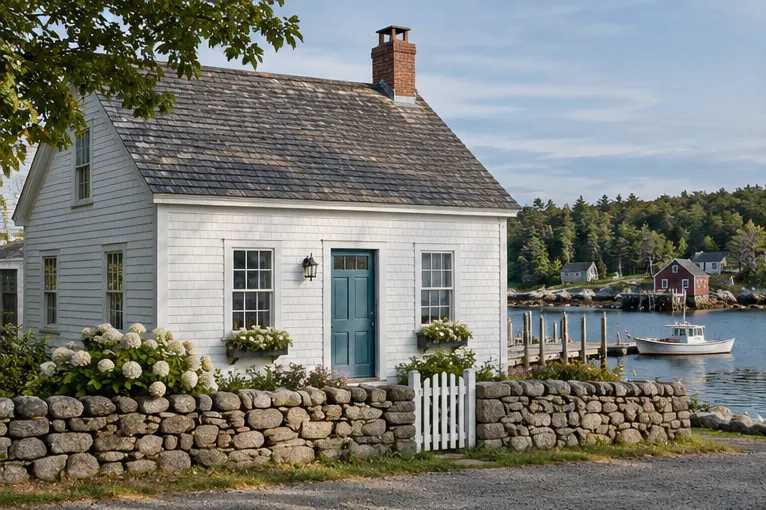
Harbour Cottage
Add a WordPress listings block and choose the five newest published properties. When sending begins, Lava Letter fetches the latest five and locks that selection for the whole campaign.
The first and last reader get the same five homes, even if your site changes during delivery.
Start with a template. Apply a kit with your logo and colours, arrange the blocks, then reuse the layout for another issue.
Bring email addresses and tags across in a CSV. Grow the list with an embedded form or a hosted signup page. Use a segment to target this campaign.
Check the finished email, send a test to your own inbox, then schedule the issue for your selected audience.
Preview the email or try a sample test send before choosing a time.
The send worker prepares one edition for the campaign. Each eligible reader gets a copy of that edition.
Check delivery, estimated opens and the links readers clicked. An agency can open one client’s campaign and inspect its bounce report.
Select a published post to pull its image, title and excerpt into an email block. The listings block can pull a group of properties in one step.

Choose your sender name and reply address. Complete sender verification for your domain before you start a live mailing.
Unsubscribes leave future sends automatically. Permanent bounces suppress the address. Temporary failures appear in the bounce report for review.
Explore example plans for emailing your whole list. Enter your audience size and sending frequency.
| Plan | Price | Subscribers | Monthly sends |
|---|---|---|---|
| Starter | $15 | 1,000 | 4,000 |
| Studio | $39 | 5,000 | 20,000 |
| Agency | $89 | 15,000 | 60,000 |
These figures illustrate mailing volume. Create an account to see the sending limits available in your workspace.
Export subscribers as a CSV with their email addresses, names and tags. Bring your unsubscribe and suppression lists too, so those addresses stay out of future campaigns. Rebuild your favourite layout once and reuse it.
You can write, preview and schedule an issue in your Lava Letter workspace. Connect a WordPress site when you want its content in the editor.
Open The Coast Edit to read the complete sample, including all five properties and the sender details.
Create an account today to open your workspace and start your first issue.
Create your accountAlready have an account? Log in.